

Introduction
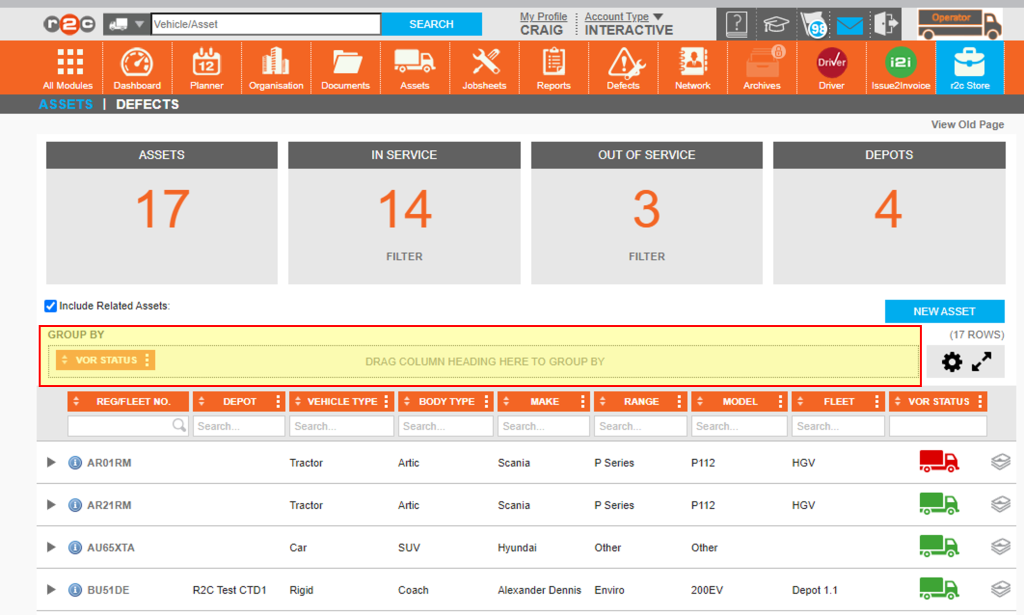
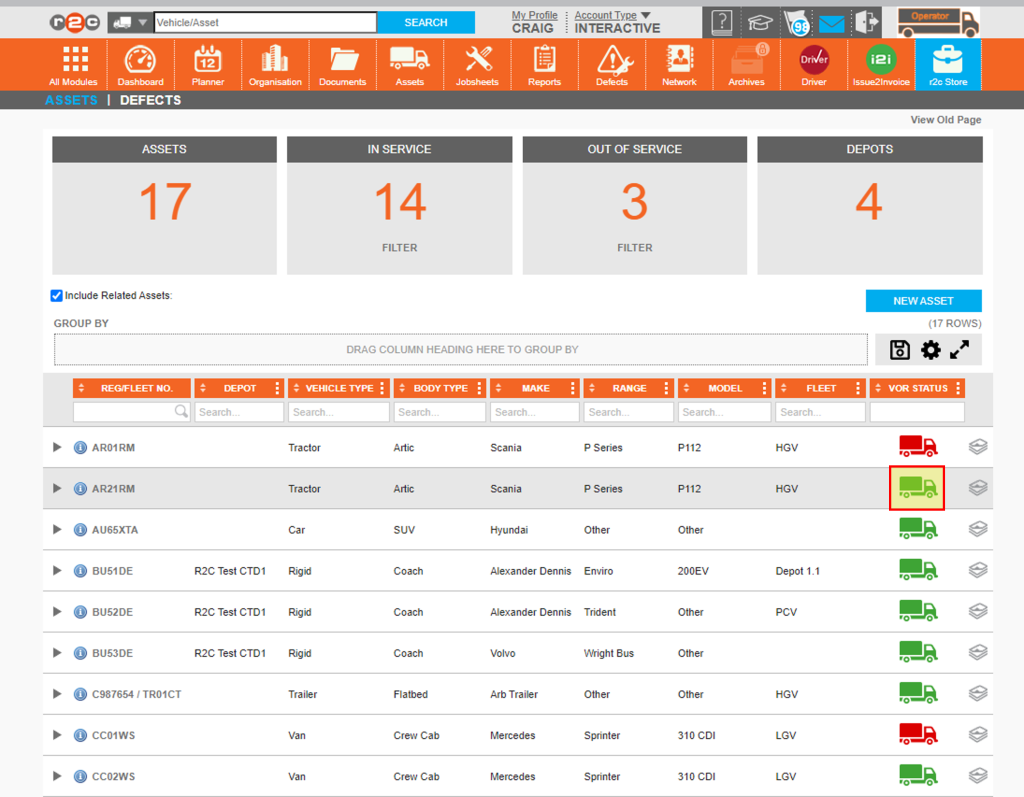
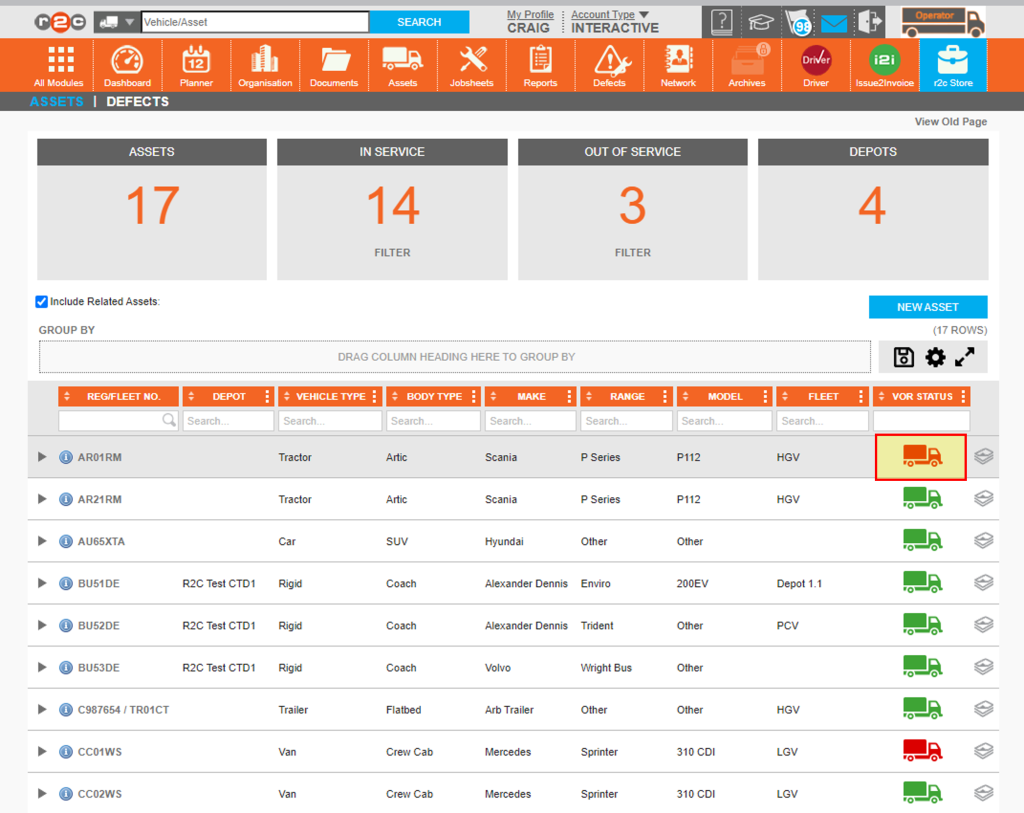
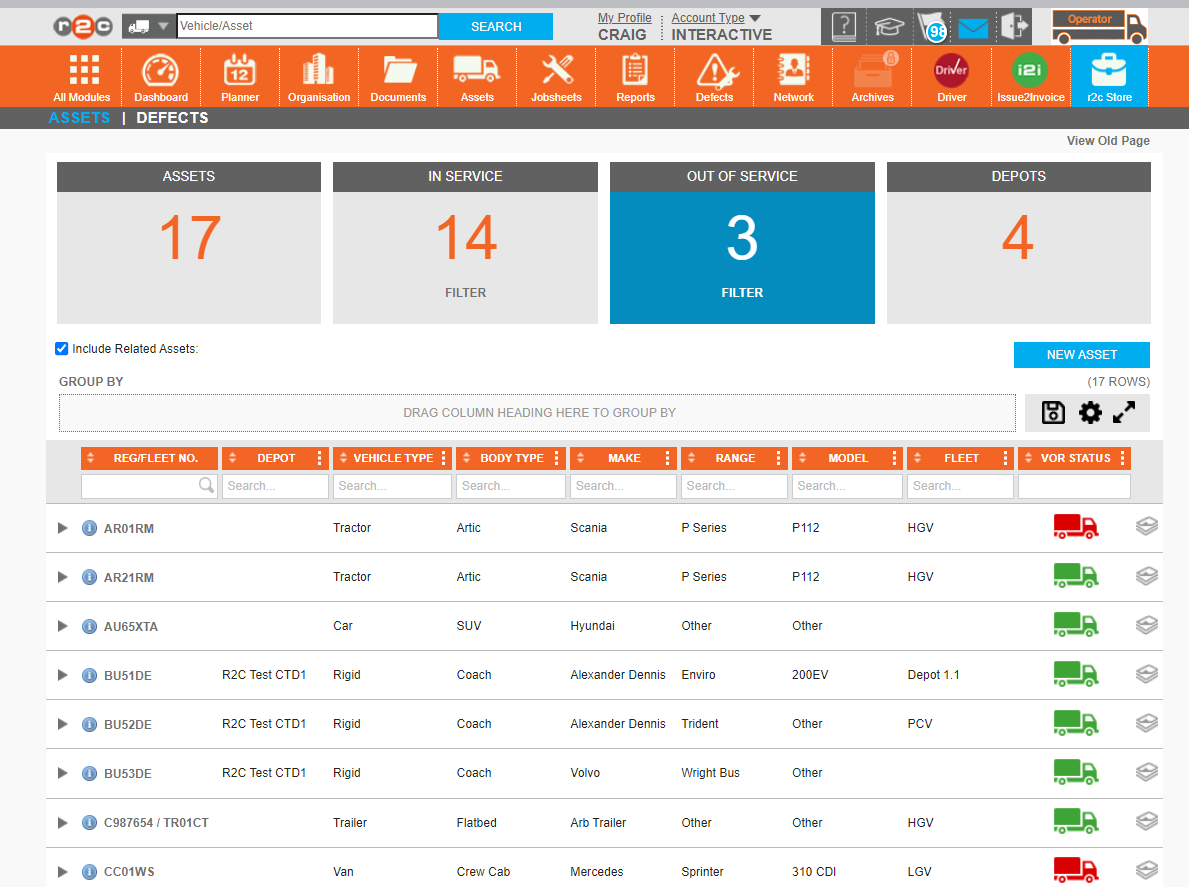
You can see the current VOR Status of a vehicle on the asset list at a glance using the coloured truck symbol where red denotes that a vehicle is currently off road and green shows a vehicle is in service. The list can also be filtered using the KPI tiles or the headings.
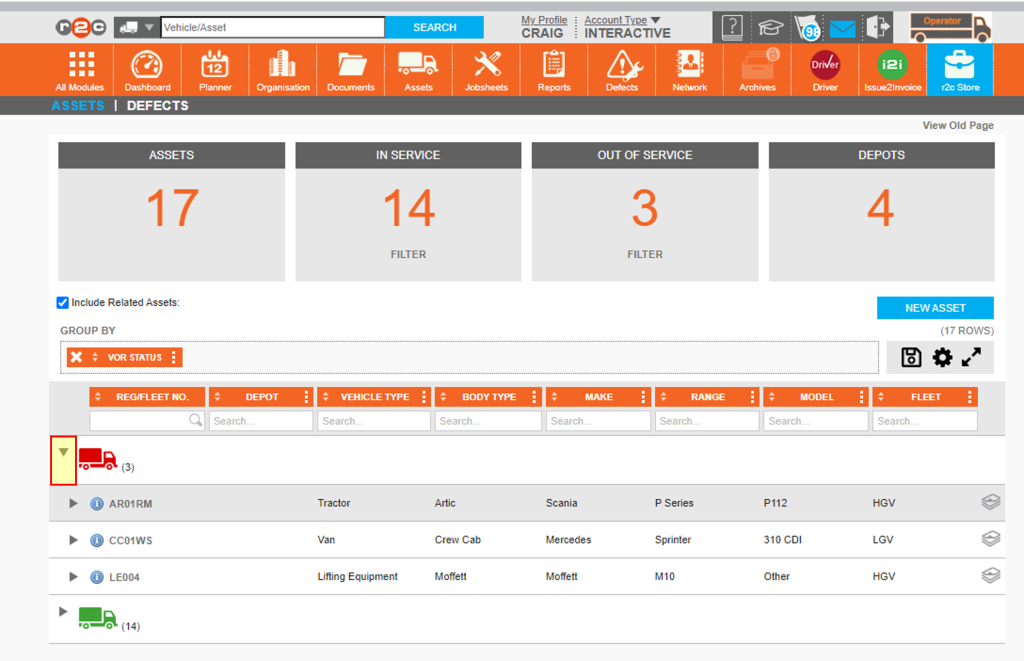
Click on a KPI tile to apply a filter to the list. In this case the list now shows the 3 assets that are out of service.
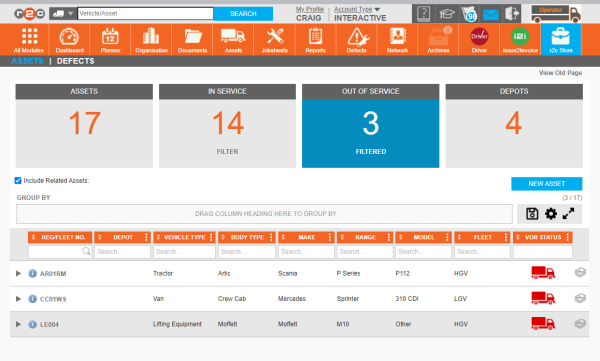
Note: Click the tile again to remove the filter
Click the '...' ellipsis to select a VOR Status and filter the list. Or add the heading to the 'group by' section to group assets by status.

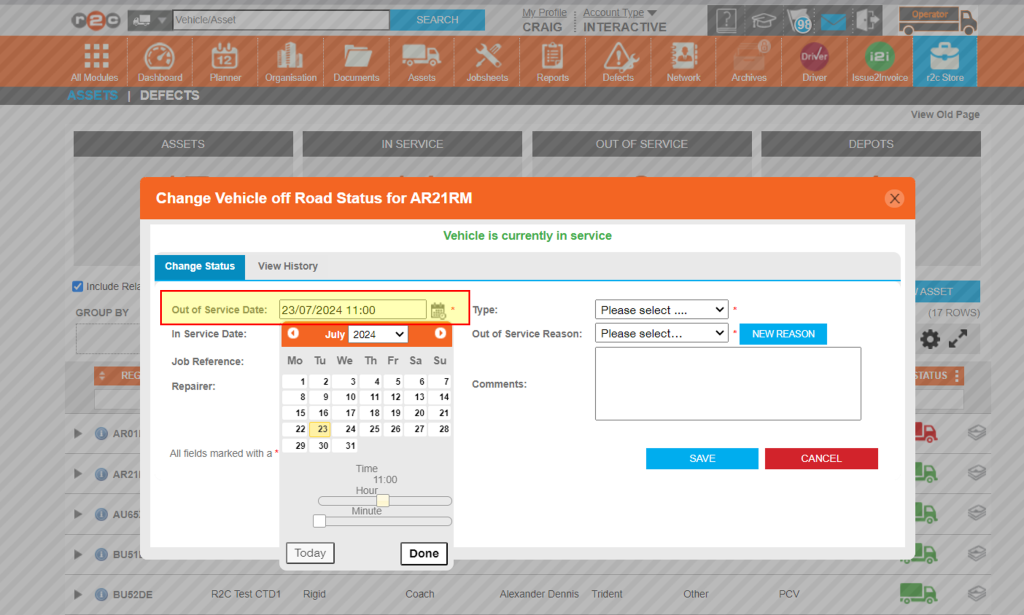
Click on the truck symbol to open the vehicles VOR Record
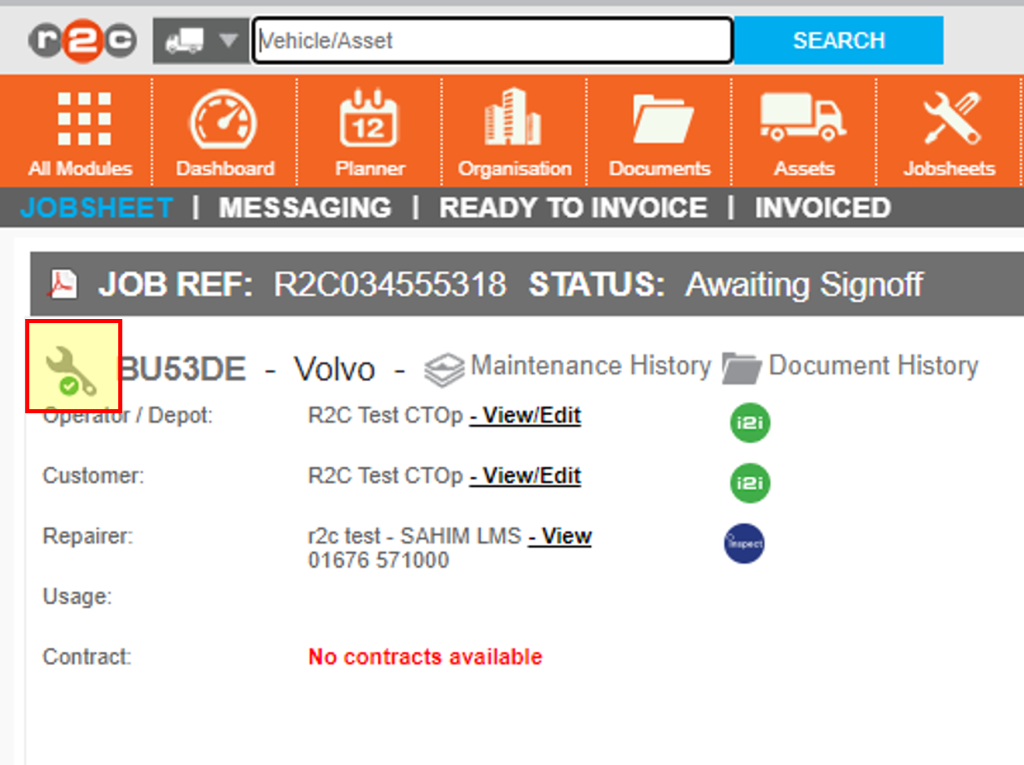
Click on an individual registration to open the full asset details. To then open the VOR Record click the spanner icon.

Step by Step
Review Asset List- To review the current health of the asset list you can filter the asset list. Click or swipe through the 3 steps below to see how to do this. *


*If you do not have the table component filter settings available please contact customer support to arrange for this feature to be enabled.
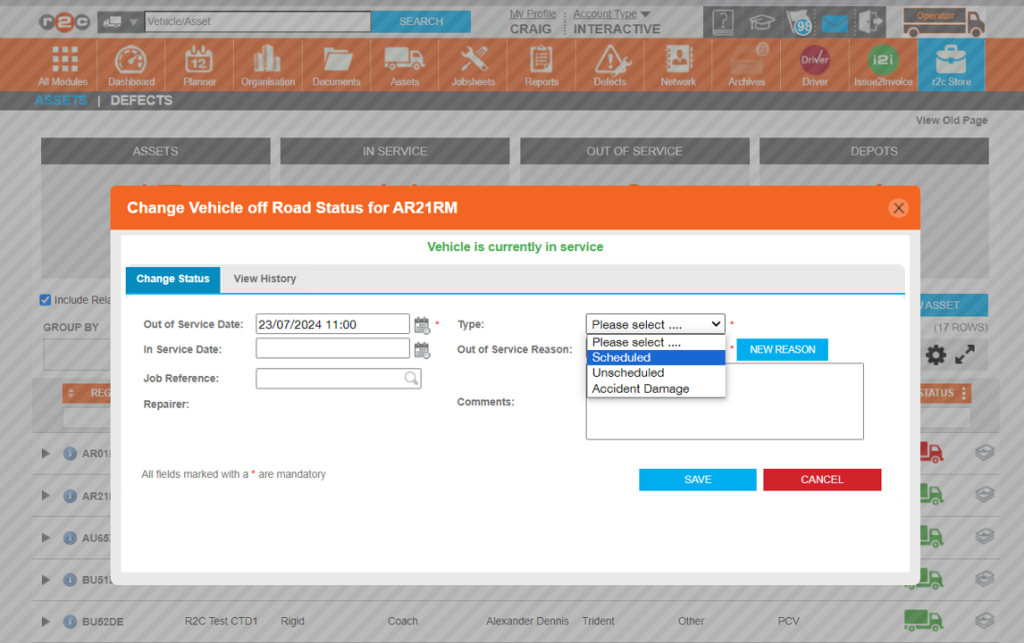
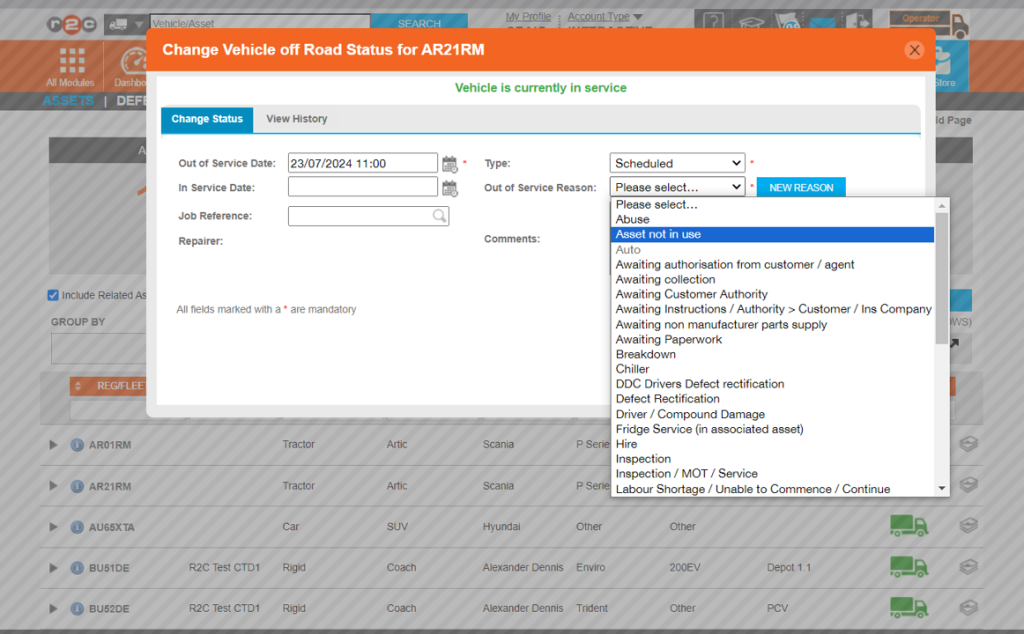
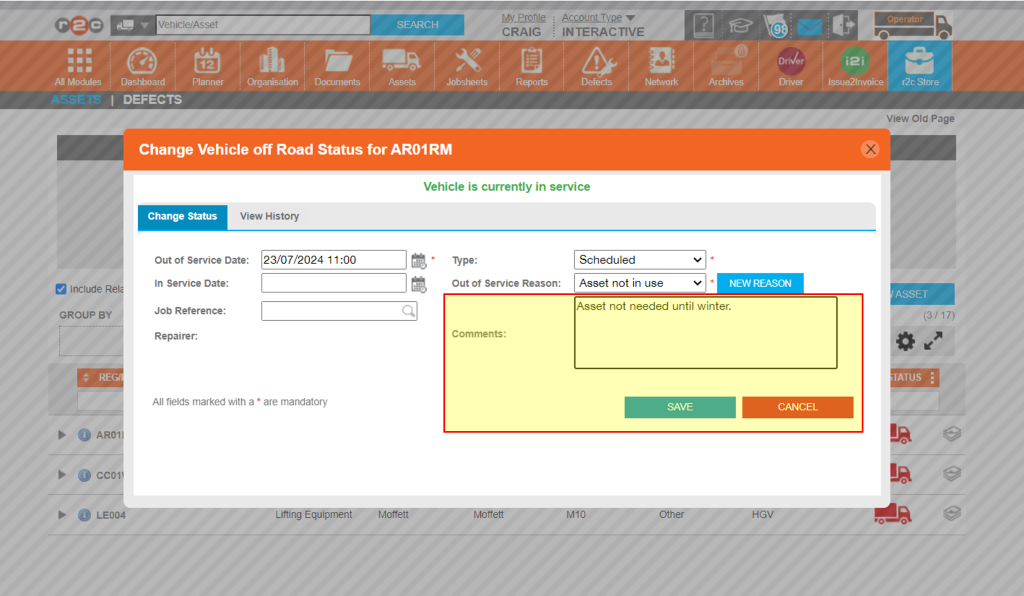
Mark a vehicle as Off Road- To complete a non-digital job, click or swipe through the 9 steps below.


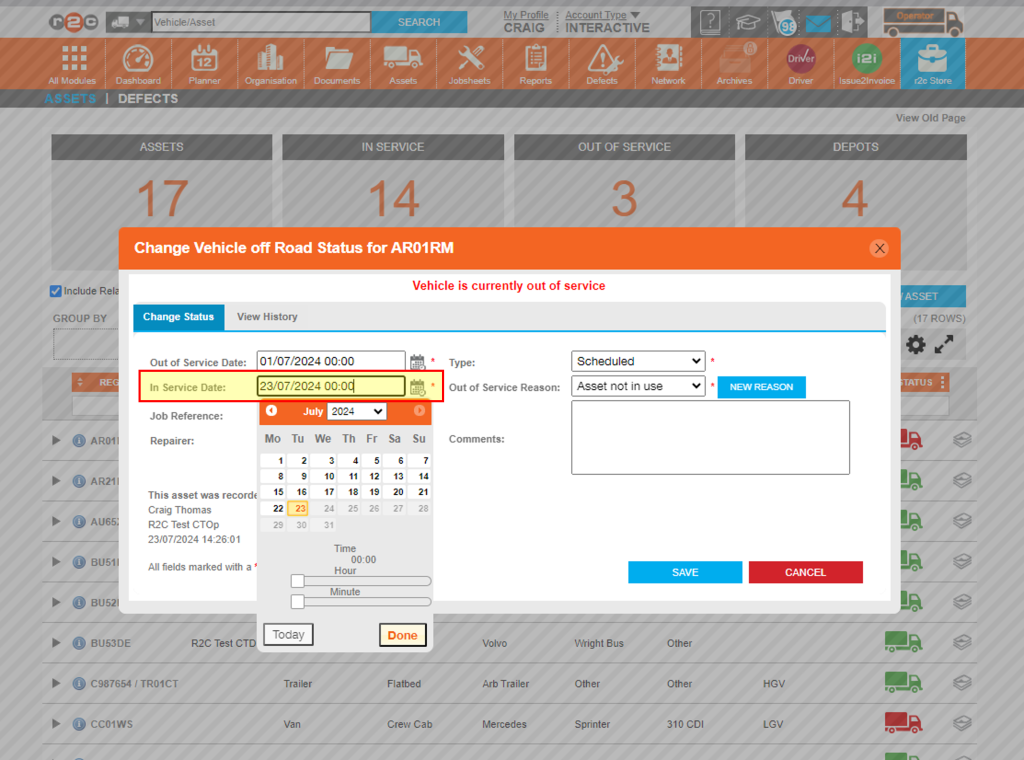
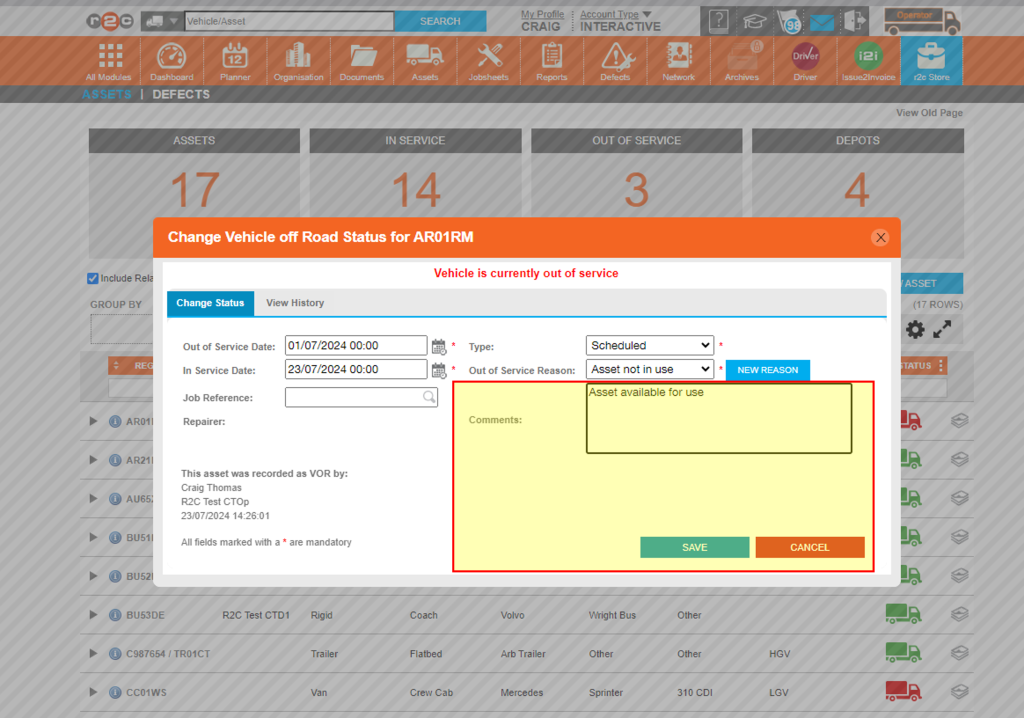
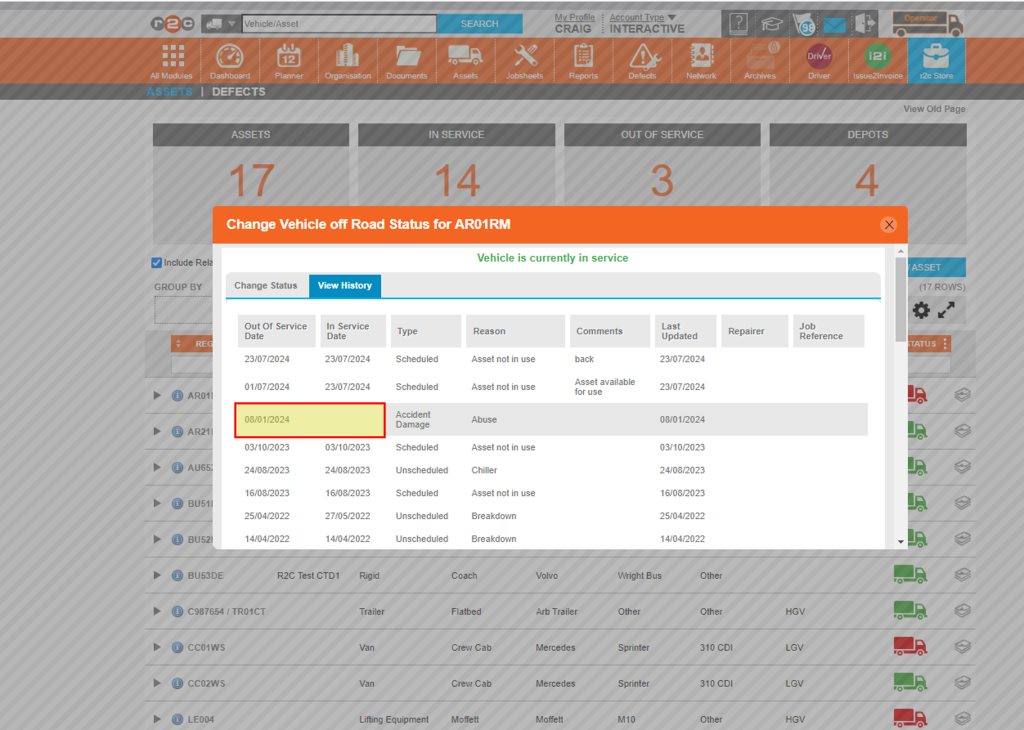
Mark a vehicle In Service – To see the steps taken to complete defect lines within portal, click or swipe through the 6 steps below.


Technical Info & Self Help
Why may a vehicle update to out of service?
- A user has manually updated the vehicle record in portal
- A driver has marked a vehicle as un-roadworthy during a check using the r2c Driver app
- When a parent asset is marked as unroadworthy, the child asset is automatically updated to VOR (Vehicle Off Road) as well.
Do Inspections update the VOR status of a vehicle?
If a jobsheet is signed as ‘Unroadworthy’ during an inspection or service, the asset record is not automatically updated. The VOR record can be easily accessed from the jobsheet using the spanner icon
Do vehicles automatically update to in service?
Records must always be updated manually once a vehicle is back in service. The only time this process is automated is when a parent asset is updated to “In Service,” which also updates the child asset.