Direct Defects is an additional module primarily designed for companies/operators with internal workshops, it may not suit all business needs. Please note, your r2c contract may affect this as well as user role permissions.
Direct defects allows for defects that have been reported by drivers to be automatically passed straight through to the workshop, providing all of the system condition are true. If the answer to any of the system conditions is no, then the normal defect allocation will need to be followed.
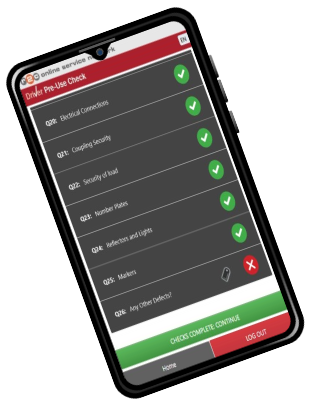
Driver completes their daily check containing a defect or submits an ad-hoc defect.
The following conditions must be true, in order for direct defects to work.
Does the registration match existing asset?
If the reg doesn’t exist, the check will go to the staging area.
Does the asset have a primary repairer?
If not, then the check will go to completed checks and the defect to unallocated.
Is the primary repairer internal?
If not, then the check will go to completed checks and the defect to unallocated.
Is direct defects turned on?
If not, then the check will go to completed checks and the defect to unallocated.
Is there an existing jobsheet for today?
Yes
The defect(s) is added to the existing job.
No
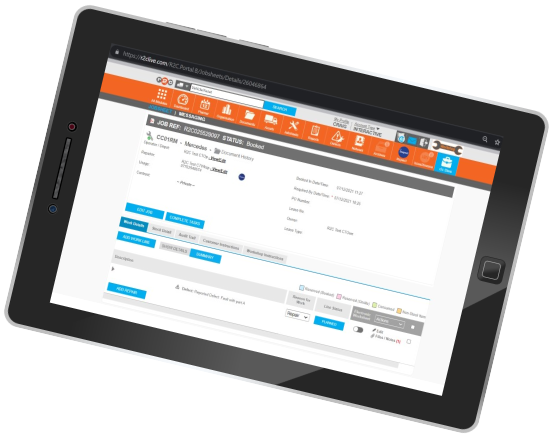
A jobsheet is created as a defect-only jobsheet and set as Onsite for today.
Technical Info & Self Help
Can I havemore than oneinternal repairer?
Yes, it is possible to have more than one primary repairer set up as an internal workshop, however, it remains as one per asset. This setup would allow for a percentage of the fleet to be sent to repairer A, whilst the remaining fleet could be sent to repairer B.
A green outline on the account type icon signifies the guide is applicable whereas a red outline signifies it is not applicable to the the respective account type.