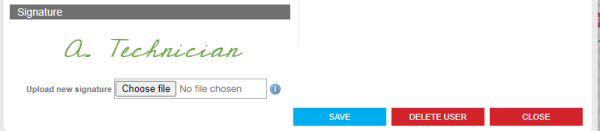
Any hand written signature can be uploaded to a users profile providing it fits within the size limits specified. Signatures are only relevant to technicians’ and foremen profiles. Follow the steps below to upload a signature image.
- Click Organisation from the header bar in portal
- Click on a username to open their profile
- In the signature section click ‘choose image’ to select a file
- Save your changes.